
A QR code at a site office or expo stall only helps if the scan becomes a lead your team can call. Here is how to set up QR code lead capture in 2026, from the form and consent line to the first WhatsApp follow-up.
Search and explore the blog
Explore the blog
Category
Suggested reading
- CRM & Automation
Dental Appointment Reminders: Text, Email and Call Sequences That Cut No-Shows
10 min read
- CRM & Automation
DPDP Act for Real Estate Marketing: What Builders and Brokers Must Change Before May 2027
9 min read
- CRM & Automation
Lead Management Excel Template for Real Estate Brokers, and When to Move to a CRM
9 min read
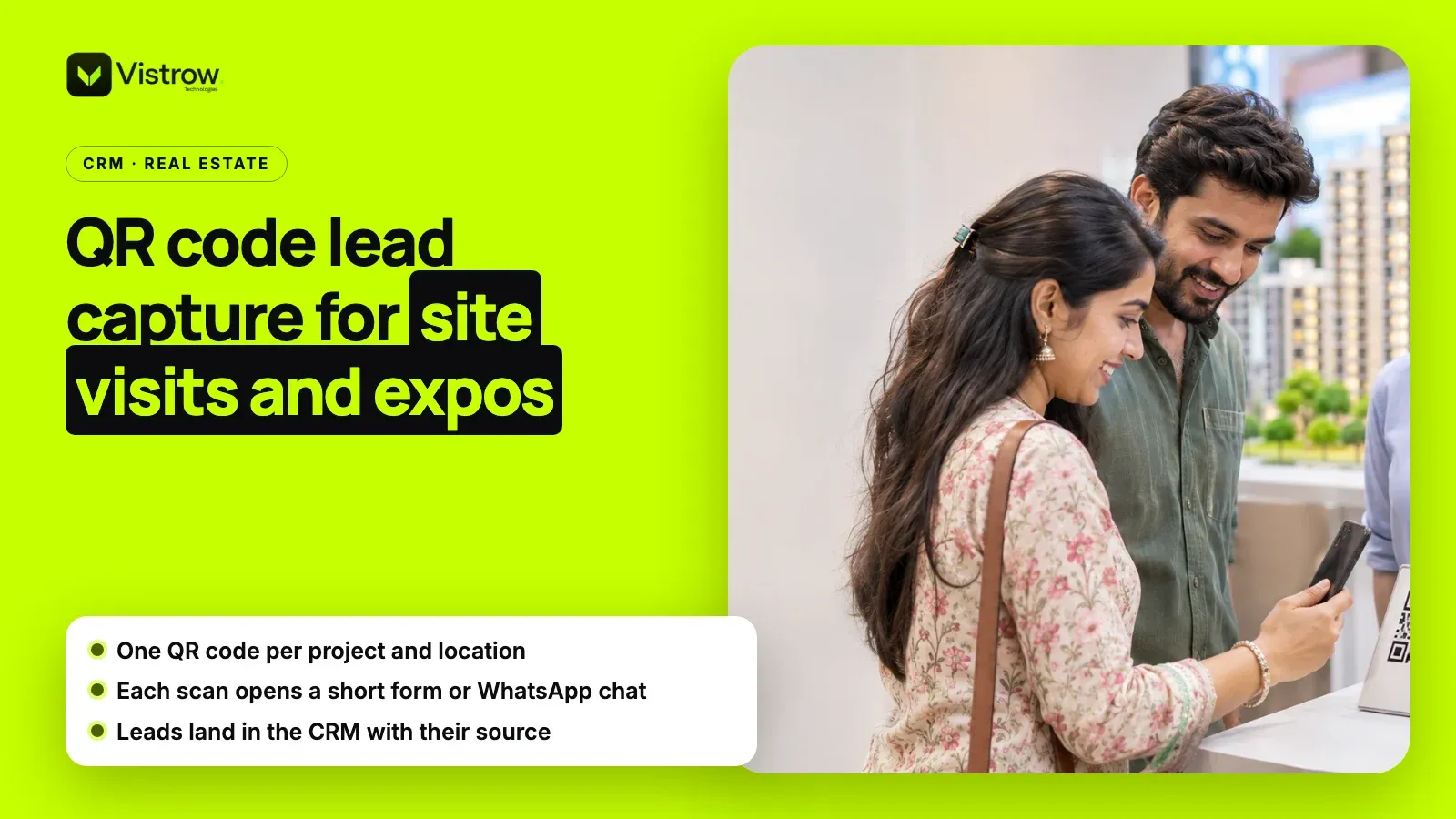
QR code lead capture is a simple way for real estate teams to turn site visitors, expo walk-ins and hoarding viewers into leads. A buyer scans a code, fills a short form or opens a WhatsApp chat, and their details land in your CRM tagged with the project and location. In 2026 it works best with consent on record and a reply within minutes.
The code itself costs nothing. What decides whether it brings bookings is the destination behind it, the source tag, and the follow-up. This post walks through each, with a worked example for an expo weekend.
Where should real estate teams place a QR code?
Put codes where a buyer is interested but has no salesperson free to talk. The common spots are below. Give each spot its own code so your reports can tell them apart.
QR code lead capture also works away from the project: at bank home-loan camps, corporate tie-up events and society notice boards near the site. Treat each of these as its own source with its own code, and judge it by site visits rather than scans.
- Site office reception: for walk-ins who arrive while every sales executive is busy with another family.
- Sample flat: a code on the brochure stand lets a buyer ask for the price sheet or a callback without waiting.
- Expo and property fair stalls: the busiest place to lose leads, since visitors move on in a minute or two.
- Hoardings and site boards: large enough to scan from a car parked nearby; keep the code at least a hand span wide.
- Printed brochures and newspaper inserts: a code per print run shows which run worked.
Should a QR code open a form, WhatsApp or a landing page?
There are three common destinations. Each suits a different moment, and many teams print two codes on the same standee: a form for detail and WhatsApp for speed.
| Destination | What you capture | Best for | Watch out for |
|---|---|---|---|
| Short form | Name, phone, budget, configuration, visit date, consent | Site offices and sample flats | More than 5 or 6 fields and people give up |
| WhatsApp chat | Phone number and the buyer's first question | Busy expos and hoardings | Needs a fast reply or the chat goes cold |
| Project landing page | Form plus floor plans, location and pricing context | Brochures and newspaper inserts | Slow pages on mobile data lose scans |
How do you set up QR code lead capture step by step?
The setup takes an afternoon. The order below keeps the data clean from the first scan.
Before you start, decide who owns QR code lead capture leads on each day of the week, including Sundays, because most site visits and expos happen on weekends and a lead without an owner waits until Monday.
- 1
Build the destination first
Create the form or WhatsApp link and test it on a slow phone before printing anything.
- 2
Add a source tag to every link
Use the project and the spot, for example project name plus expo stall or site board, so each scan carries its origin.
- 3
Generate one code per spot
Use a dynamic QR generator if you want to change the destination later without reprinting.
- 4
Write a consent line
Say why you collect the number and how you will contact the buyer, with an unticked checkbox.
- 5
Connect it to your CRM
Make sure every submission or chat creates a lead with the source tag, owner and timestamp.
- 6
Set the first reply
Send a WhatsApp message within minutes with the brochure, location pin and a choice of visit slots.
- 7
Review weekly
Compare scans, leads and visits by source tag and remove codes that bring nothing.
Which mistakes make QR code lead capture fail?
Most failed QR campaigns break for ordinary reasons rather than technical ones. The list below covers the problems that come up most often at site offices and expos.
- One code for everything: a single QR printed on every hoarding, stall and brochure hides which spot works, so budget keeps going to the weak ones.
- A long form: asking for email, address, occupation and income before the buyer has seen a price sheet makes most people close the page.
- A desktop page: if the destination is not built for a phone on mobile data, scans turn into bounces before the form loads.
- No owner: leads land in a shared sheet that nobody checks on a Sunday, so the buyer hears back on Tuesday, after a competitor has called.
- Codes that cannot be scanned: small codes, glossy laminate that reflects light, or a code placed above head height at a stall.
- No test after printing: a broken link on 5,000 brochures costs more than the printing itself, so scan a proof before the full run.
What does an expo weekend look like with QR code lead capture?
Take a Pune builder with one stall at a two-day property fair and three sales executives. On Saturday afternoon the stall is crowded and two families walk away because nobody is free. With a standee carrying two codes, one for a short form and one for WhatsApp, those families can scan before they leave.
The form asks five things: name, phone, budget band, configuration and a preferred visit date, plus a consent checkbox. Each submission reaches the CRM tagged with the project and "Expo stall". The WhatsApp code opens a chat with a prefilled first message naming the project, so the team knows where the buyer came from.
Within minutes, each buyer gets the brochure and site location on WhatsApp and a choice of visit slots. On Monday morning the sales manager sorts the weekend's leads by score and source, and calls the buyers who picked a visit date first. Nothing depends on a pile of business cards or a register that someone has to type up.
How do you measure QR code lead capture results?
Track three numbers per source tag every week: scans, leads and site visits. Scans come from your QR generator or link analytics; leads and visits come from your CRM. The ratio between them tells you where the problem is. Many scans but few leads points to the form or chat. Many leads but few visits points to the follow-up.
After a month, compare each spot against its cost. A stall at a property fair has a fee, staff time and print costs; a code on an existing site board costs almost nothing. Dividing the cost of each source by the site visits it produced gives you a cost per visit, which is a far better guide to next quarter's budget than scan counts alone.
Keep the comparison honest by counting a lead once. When the same buyer scans at the expo and then walks into the site office, the second record should be flagged as a duplicate, so neither source gets double credit.
How is this different from the MahaRERA QR code?
In Maharashtra, promoters must display the project's MahaRERA QR code on advertisements published after 1 August 2023, under MahaRERA Order No. 46/2023, and registered agents were later brought under the same requirement. That code lets buyers check registration details on the MahaRERA website. It is a compliance code, not a lead capture code.
When both appear on a hoarding or brochure, label them clearly, for example "Verify on MahaRERA" and "Get price sheet on WhatsApp". A buyer who scans the wrong one and lands on a government page will not come back to find the other.
What do the DPDP rules mean for QR code forms?
The Digital Personal Data Protection Rules were notified in November 2025, and most duties, including notice and consent, apply from 13 May 2027. The government's announcement of the DPDP Rules explains how the Act and Rules fit together. Building the consent line into your QR forms now avoids reprinting and re-collecting later.
Keep it short: what you collect, why, how you will contact the buyer, and how they can ask you to stop. Store the consent with the lead so anyone on the team can see it before sending a marketing message.
How ArthaLeads handles QR code leads
In ArthaLeads, Vistrow's real estate CRM, website forms and WhatsApp chats become leads automatically, so a QR code that opens either one feeds the same pipeline: New, Contacted, Site Visit, Negotiation, Closed Won. Duplicates are flagged before anyone calls, which matters when the same buyer scans at the expo and again at the site office.
Each lead gets an AI score from 0 to 100, so the team calls the most likely buyers first. On the Growth and Enterprise plans, a 24/7 WhatsApp AI agent answers in English, Hinglish, Hindi or Marathi, asks about needs, budget and timeline, shares the brochure and location, books site visits and saves the answers on the lead, and your team can take over any chat. Plans start at Rs 599 per user per month plus 18% GST with a five-seat minimum, and there is a 14-day free trial.
For the step after the scan, see our guides to the real estate site visit form and WhatsApp lead capture for real estate, or the CRM and lead management service page.
Frequently asked questions
What is QR code lead capture in real estate?
QR code lead capture is a way to turn a walk-in, expo visitor or hoarding viewer into a lead by letting them scan a code on their phone. The scan opens a short form or a WhatsApp chat, and their details reach your CRM with the project and location tagged, ready for a call or message from your team.
Should the QR code open a form or WhatsApp?
Use a form when you need structured details such as budget, configuration and visit date, and when you want a consent checkbox on record. Use WhatsApp when speed matters more, such as at a busy expo, because the buyer is one tap from a conversation. Many teams print both on the same standee.
Is the MahaRERA QR code the same as a lead capture QR?
No. MahaRERA requires promoters and registered agents to show the project's registration QR code on advertisements published after 1 August 2023, so buyers can check project details. A lead capture QR is your own marketing code. Keep them visibly separate and label each one so buyers know what they are scanning.
Do I need consent to store leads from a QR code form?
Yes, plan for it. The DPDP Rules notified in November 2025 bring notice and consent duties into force from 13 May 2027. Add a short line saying why you collect the number and how you will contact the buyer, plus an unticked consent checkbox, and store the consent with the lead.
How do I know which QR code produced a lead?
Give each project, location and print run its own QR code that points to a link with a source tag, such as the project name and the stall or hoarding. When the form or chat reaches your CRM, that tag becomes the lead source, so your weekly report can compare expo stalls, site offices and brochures.
Comments