Google Business Profile Kaise Banaye: 10 Steps Ki Free Checklist (PDF)
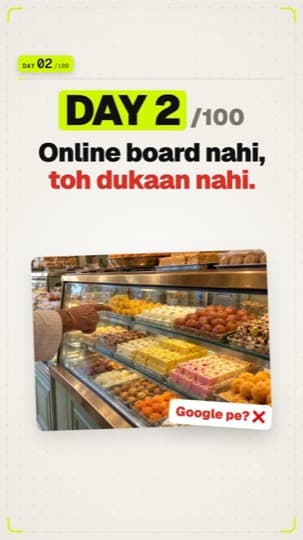
10 steps: Google pe aapki dukaan ka online board.
Quick answer
How do I create a Google Business Profile for free?
Go to business.google.com, sign in with your Google account and add your exact business name, the most accurate category, your address or service area, phone and website. Verify using the option Google offers (phone, email, video or postcard), then add hours, real photos, a description of up to 750 characters and your products or services. It is completely free.
 PDF
Free · no signup
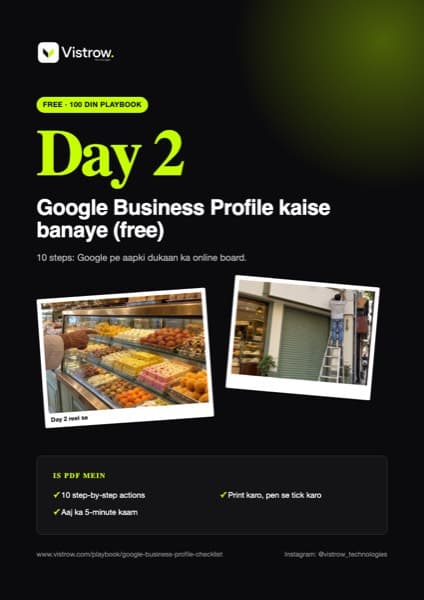
Print karo, pen se tick karo
- ✓10 step-by-step actions
- ✓Aaj ka 5-minute kaam
Online board kyun
Sadak pe dukaan ki pehchaan board hai. Online, wahi kaam Google Business Profile karta hai: naam, photo, timing, call button aur reviews. Naya customer phone pe dhoondhta hai, aur wahan aap nahi dikhte toh woh agli dukaan ko call karta hai.
10 steps (sab free)
- 1Profile kholoGoogle pe "Google Business Profile" search karo ya business.google.com kholo, aur apne Google account se sign in karo.
- 2Naam bilkul board walaWahi naam likho jo dukaan ke board pe hai. Extra keywords mat bharo (Google ke niyam ke khilaaf).
- 3Sahi categorySabse sateek primary category chuno, jaise "Sweet shop" ya "Beauty salon".
- 4LocationDukaan hai toh address aur map pin. Ghar jaake service dete ho toh service area chuno.
- 5Phone aur websiteWoh number jo sach mein uthta hai. Website hai toh link daalo.
- 6Verify karoOption Google chunta hai: video, phone/SMS, email, live video call ya postcard. Postcard aksar 14 din mein aata hai (code 30 din valid). Tab tak naam, address ya category mat badlo. Verification ke bina profile poori tarah live nahi hoti.
- 7TimingRoz ka time daalo. Festival ke liye "special hours" alag se.
- 8Asli photosBahar se (board dikhe), andar, products ya kaam, team. Stock photos nahi.
- 9Description750 characters tak: kya karte ho, kiske liye, kahan. Simple bhasha. Link, offer ya price yahan nahi.
- 10Services (price ke saath)Services section mein price ke saath add karo (khaane ka business ho toh Menu). Products ka option dikhe toh woh bhi. Customer ko DM nahi karna padega.
Google Business Profile bilkul free hai. Koi "verification fee" maange toh woh scam hai.
Google pe apni dukaan dhoondho. Nahi mili? Aaj hi upar wale steps se profile banao.
Aksar pooche jaane wale sawaal (FAQ)
How long does the Google verification postcard take?
Google says most postcards arrive within 14 days and the code expires after 30 days. While you wait, don't change the name, address or category, and don't request a new code.
Can I put prices in the description?
No. The 750-character description is for what you do, for whom and where, with no links, offers or prices. Add prices in the Services section (or Menu for food businesses).
Is Google Business Profile free?
Yes, it is completely free. Anyone asking for a 'verification fee' is not Google and is likely a scam.
Can I add keywords to my business name?
No. Use the real name on your signboard. Adding extra keywords goes against Google's guidelines and can get the profile suspended.
How do I verify my Google Business Profile?
Google shows the verification options available for your business, such as phone, email, a short video or a postcard. The profile is not fully live until it is verified.
I serve customers at their home. What address do I use?
Choose a service area business and set the areas you serve instead of showing a shop address.
Description mein kya likhna chahiye?
750 characters tak, simple bhasha mein: aap kya karte ho, kiske liye, aur kahan.
No time to do it yourself?
Vistrow sets all of this up for your business: Google profile, reviews, website and leads.
Chat on WhatsApp: 90670 97779