How to Get More Google Reviews: Share Your Google Review Link on WhatsApp (Free Kit)
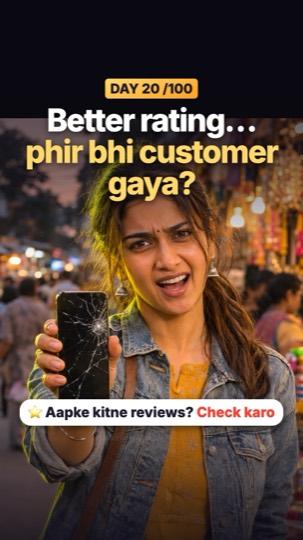
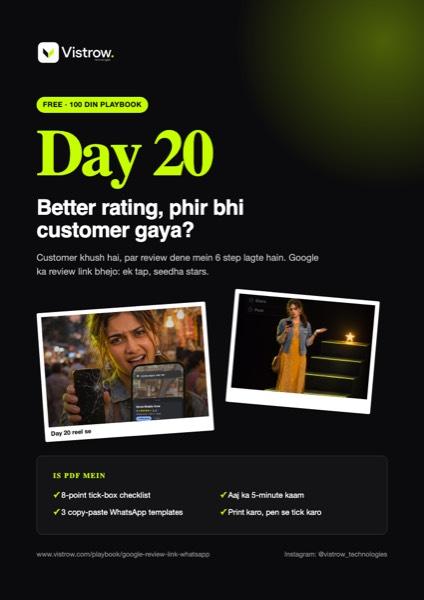
Customer khush hai, par review dene mein 6 step lagte hain. Google ka review link bhejo: ek tap, seedha stars.
 PDF
Free · no signup
Print karo, pen se tick karo
- ✓8-point tick-box checklist
- ✓3 copy-paste WhatsApp templates
- ✓Aaj ka 5-minute kaam
Rating better, phir bhi customer doosri dukaan kyun gaya?
Example: Nitin bhai ki mobile repair dukaan ki rating 4.9 thi, saamne wali ki 4.4. Phir bhi customer wahan gaya, kyunki unke 286 reviews the aur Nitin bhai ke sirf 11. Kaam best tha, customer khush hoke jaate the. Par review dene ke liye Google kholo, dukaan dhoondo, reviews kholo, likho… teesre step pe hi customer bolta hai "baad mein", aur baad mein kabhi nahi. Nitin bhai ne Google ka review link bill ke saath WhatsApp pe bhejna shuru kiya: ek tap, seedha stars. (Naam, dukaan aur numbers example hain.)
Google review link checklist
0/8Copy-paste messages
WhatsApp: bill ke saath
Ek baar yaad dilana (2 din baad)
Counter card
Upar Nitin bhai, dukaan aur sab numbers example hain. Review link Google Business Profile mein owner ke liye "Ask for reviews" / "Get more reviews" option mein milta hai. Agar aap chahte hain ki aapke review system ka link, QR aur WhatsApp messages hum set karein, WhatsApp karein.
Aaj ka kaam: apna review link nikaalo, WhatsApp Business mein "/review" quick reply bana do, aur aaj ke har khush customer ko bhejo. Kal ginti dekho.
No time to do it yourself?
Vistrow sets all of this up for your business: Google profile, reviews, website and leads.
Chat on WhatsApp: 90670 97779