
A sample flat cannot have a Google listing, but a staffed site office can. Here is how builders and brokers set up, name, review-manage and track a profile that follows Google's rules.
Search and explore the blog
Explore the blog
Category
Suggested reading
- Digital Marketing
Local SEO for Dentists in the UK: Google Business Profile, Pages and Reviews
10 min read
- Digital Marketing
MahaRERA QR Code Advertisement Rules: Where It Must Appear and the Penalty
9 min read
- Digital Marketing
Dental Marketing Agency or In-House? Where UK Practices Should Spend on Google, Social and Their Website
10 min read
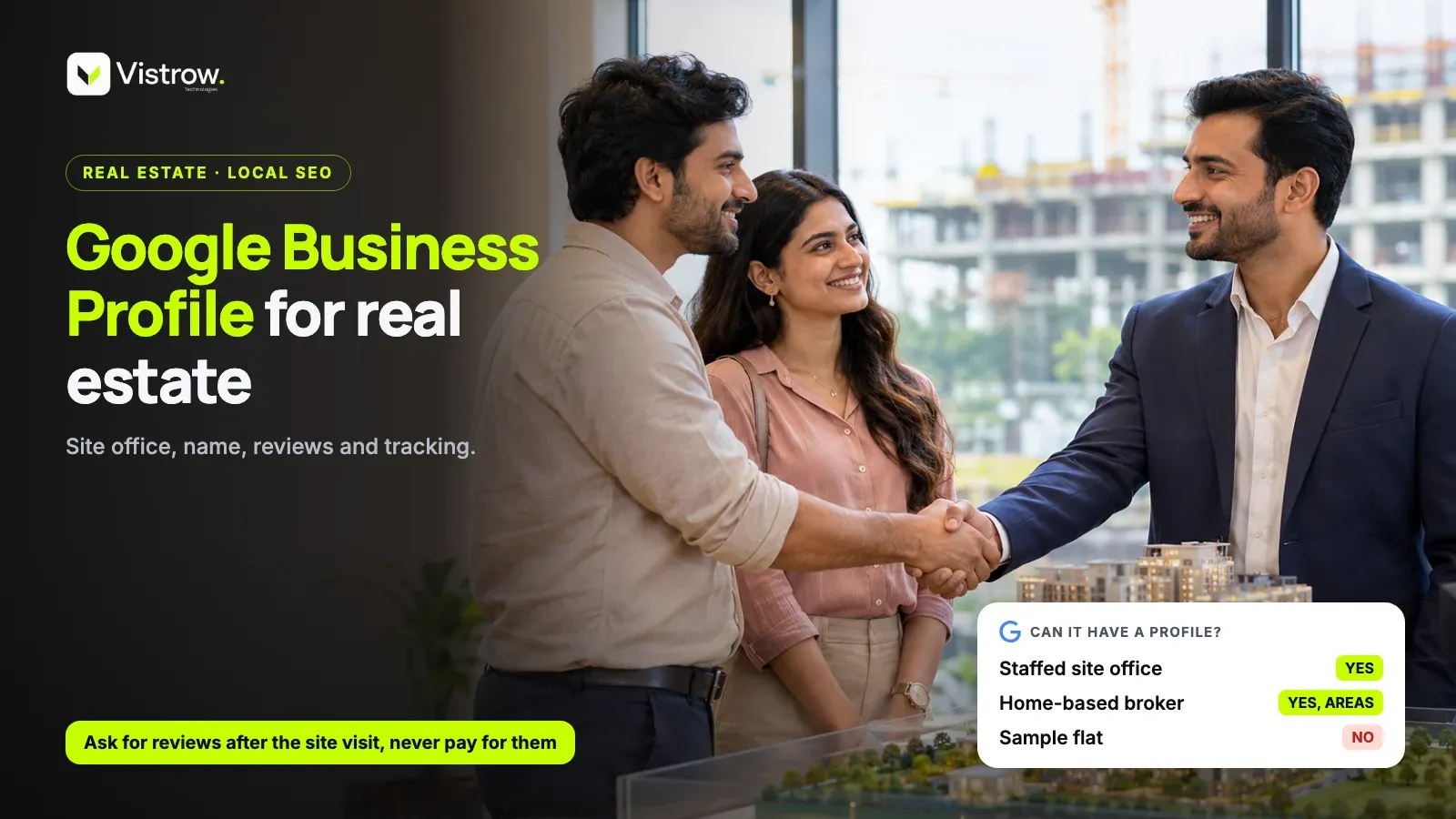
For a Google Business Profile for real estate, the rule is simple: a staffed site office qualifies, but a sample flat does not. Google's eligibility rules exclude model homes and other properties for sale or rent, while sales and leasing offices qualify, provided your team meets customers in person during the hours you list. A home-based broker can also have one, with the address hidden.
A Google Business Profile is the free listing that appears on Google Maps and Search with your name, hours, phone number, photos, reviews and directions. For a builder, it is often the first thing a buyer sees when they search a project name or a locality, before they ever reach your website.
The mistake that gets real estate profiles rejected or suspended is almost always the same. Someone drops a pin on the plot, names the profile after the project, and lists a sample flat as the address. Nobody is there to meet customers, and the profile was never eligible in the first place. This guide covers what you can list, how to set it up, how to handle reviews, and how to keep the profile compliant and measurable.
What can have a Google Business Profile in real estate, and what cannot?
The rule comes from Google's own business eligibility and ownership guidelines. Rental or for-sale properties, such as model homes, vacation homes and vacant apartments, are not eligible. Sales or leasing offices are. And whichever you list, the business must make in-person contact with customers during its stated hours.
Read that last condition carefully, because it decides most real estate cases. A site office with a receptionist and a sales executive on duty from morning to evening fits. A hoarding, a sample flat that opens only on appointment, or a plot with a project board and no one on site does not fit. If a buyer would drive to the pin and find nobody, the listing is a liability, and it will pile up one-star reviews about a locked door.
This is where many builders go wrong on instinct. The sample flat is the thing you want people to visit, so it feels like the right pin. But the eligible thing is the office where a person talks to a buyer, even if the sample flat is next door. List the office, put the sample flat in your photos and your directions text if it helps.
| Location | Profile allowed? | What to do |
|---|---|---|
| Head office | Yes | List it with real office hours |
| Staffed site office | Yes, with hours | List the staffed hours, not the construction timeline |
| Sample flat or model home | No | Do not list it, show it in photos instead |
| Project name alone, no staffed office | No | Do not create a profile for the project itself |
| Home-based broker | Yes, as a service-area business | Hide the address and list areas such as Baner or Wakad |
How do you set up Google Business Profile for real estate, step by step?
Setting up google business profile for real estate is not complicated, but the order matters. Claim first, then verify, then fill in details that match what a buyer will actually find on the ground. Rushing the details is how profiles get flagged later.
Treat the profile as a small piece of local presence, not a one-time form. The weekly posts and review requests at the end of the list are what keep it active, and they are the steps most teams skip. This is also the practical core of real estate local seo: accurate details, real photos and genuine reviews, done consistently.
- 1
Claim and verify
Search your business on Google, claim or create the profile, and complete the verification Google asks for.
- 2
Enter the name as on your signage
Use the exact name on the board, with no keywords, phone numbers or locations added.
- 3
Pick categories and hours
Choose the categories that describe what the office does, and list only hours when someone is there to meet buyers.
- 4
Upload real office photos
Add the entrance, the reception, the project model and the signboard so buyers recognise the place.
- 5
Tag your website link
Add UTM parameters to the website link so visits from the profile show up separately in your analytics.
- 6
Post weekly and ask for reviews
Share project updates once a week, and ask for a review after a site visit or possession.
Naming, categories and the home-based broker case
Google's guidelines for representing your business are plain about the name. It should match your real-world name, as it appears on signage and stationery. No keywords, no phone numbers, no locations added to the end. So a profile called something like Best Flats in Wakad Call Now is a request for a suspension, even if the real board says only the builder's name.
Categories are a practical choice, not a Google rule. Pick the one that matches what a buyer would call you, add a secondary one if the office genuinely does something else, and stop there. Piling on categories you do not really fit tends to blur the profile rather than widen it.
Now the broker working from home. If you do not serve customers at your address, the guidelines for service-area businesses say to hide the address and list the cities or areas you cover. In India, that means a Pune broker listing areas such as Baner or Wakad, not publishing a flat number to strangers. If you do meet clients at a separate office, list that office instead, with staffed hours.
How should you ask for reviews without breaking the rules?
Reviews carry more weight in real estate than in most local categories, because a flat is a large purchase and buyers read carefully. The moments to ask are specific: after a site visit, when the experience is fresh, and after possession, when the buyer has something real to say. A short WhatsApp message with your review link, sent by the person who handled the visit, usually works better than a generic request.
Two things to avoid. Never pay for reviews, and never gate them, meaning you must not screen customers for happy ones and send only those to the review page. Both break the spirit of how reviews are meant to work, and both are the kind of shortcut that turns into a removal problem later.
Then reply to every review. A thanks on a positive review costs nothing. A calm, specific reply on a negative one, such as acknowledging a delayed callback and saying who will follow up, shows future buyers how you treat people after the sale. Do not argue in public. Do not paste the same reply on every review either, because it reads like a template.
One more point of view worth stating: do not chase a number. There is no fixed count of reviews that makes a profile work, and anyone who gives you one is guessing. A steady trickle of genuine reviews from real visitors is worth more than a sudden burst.
Do profile posts and photos need MahaRERA details?
Google does not require a RERA number to hold a profile, so do not add one because you think the platform asks for it. The reason to care is different. Anything that advertises a registered project is advertising, and MahaRERA advertising rules apply to it like they would to a hoarding or an online ad.
So a profile post that promotes a registered project, or a photo carrying project creative, should include the registration details like any other ad. The MahaRERA QR code advertisement rules post covers where the details must appear. Check the current MahaRERA order for exactly what applies, because requirements can change and this is not the place to quote them from memory.
A simple habit helps. Before a post goes live, ask whether it would be acceptable as a standalone ad for that project. If not, fix it first. Photos of the office entrance or the team do not need the same treatment, but any project promotion does.
How do you track calls and direction requests?
Once the profile is live, the Performance tab shows how people use it: calls, direction requests and website clicks. For a site office, direction requests are an honest signal, because someone asking for directions is often about to visit. Read them as direction of travel, not as proof of sales.
The UTM tags you added to the website link do the other half of the job. They let your analytics separate visitors who came from the profile from those who came from ads or organic search, so you can judge it as a channel rather than guess.
The part many teams miss is what happens after the call. A call from the profile that nobody logs is a lead you cannot follow up or measure. Send every enquiry into a CRM. ArthaLeads can capture website form leads and WhatsApp chats automatically and flag duplicates before anyone calls, so a buyer who rang from the profile and also filled a form is not worked twice.
If your website itself is the weak link, with a slow page or no form, fix that too. Vistrow builds websites from Rs 9,999, which is enough to give the profile a proper place to send visitors. Keeping google business profile for real estate connected to a form and a CRM is what turns map views into site visits you can actually count.
A realistic setup for a small Pune broker
Picture a broker who works from a home office and sells resale flats in Baner and Wakad. They do not meet clients at home, so the profile hides the address and lists those two areas as the service area. The name is the broker's actual business name, nothing added. Photos show the broker, a business card and a few neighbourhood shots, not stock images or other people's projects.
Each week they post one useful item, such as a new listing walkthrough or a locality note, and each completed site visit ends with a WhatsApp message asking for a review. Every enquiry, whether from a call, the website form or a WhatsApp chat, goes into one place so nothing is lost.
A builder with a staffed site office follows the same pattern with different details: the office address, real staffed hours, photos of the office and signboard, and MahaRERA details on any project post. The sample flat stays out of the address field. A plain, compliant profile is the safer choice.
Frequently asked questions
Can I create a Google Business Profile for a sample flat or model home?
No. Google's eligibility guidelines say rental or for-sale properties such as model homes, vacation homes and vacant apartments are not eligible for a profile. A sales or leasing office is eligible. So list the staffed site office where your team meets buyers, not the sample flat itself.
Can a home-based real estate broker have a Google Business Profile?
Yes, if you serve customers in person or at their location. A broker who does not meet customers at the home address should hide that address and list service areas such as Baner or Wakad instead. Google's guidelines cover this for service-area businesses.
Can I add keywords to my business name on Google?
No. Google's guidelines say the name should match your real-world name, as on signage and stationery, without keywords, phone numbers or locations stuffed in. Adding them can get the profile suspended or edited. Use the name your site office board actually shows.
How do I get more Google reviews for a real estate project?
Ask genuine customers at natural moments, such as after a site visit or at possession, and share your review link by WhatsApp. Never pay for reviews or only ask happy customers. Reply to every review, positive or negative, so future buyers see how you handle feedback.
Does a Google Business Profile need a RERA number?
Google does not require a RERA number to hold a profile. Advertising rules are separate. Profile posts and photos that promote a registered project should carry the registration details like any other ad, so check the current MahaRERA order for what applies in Maharashtra.
How do I track leads from my Google Business Profile?
Use the Performance tab to see calls and direction requests, and add UTM tags to the website link so visits show up in your analytics. Then route every enquiry into a CRM so calls and form fills are followed up and attributed to the profile.
Comments