
Lead ads optimised for form fills find people who fill forms. Here is how the Meta Conversions API sends CRM stages like site visits and bookings back to Meta, and the limits to know first.
Search and explore the blog
Explore the blog
Category
Suggested reading
- Conversion Tracking
Conversion Tracking Setup: What to Track, How to Set It Up and Where Businesses Lose Data
8 min read
- Digital Marketing
MahaRERA QR Code Advertisement Rules: Where It Must Appear and the Penalty
9 min read
- Business Automation
DLT Registration for SMS in India: Headers, Templates and Why Messages Get Blocked
8 min read
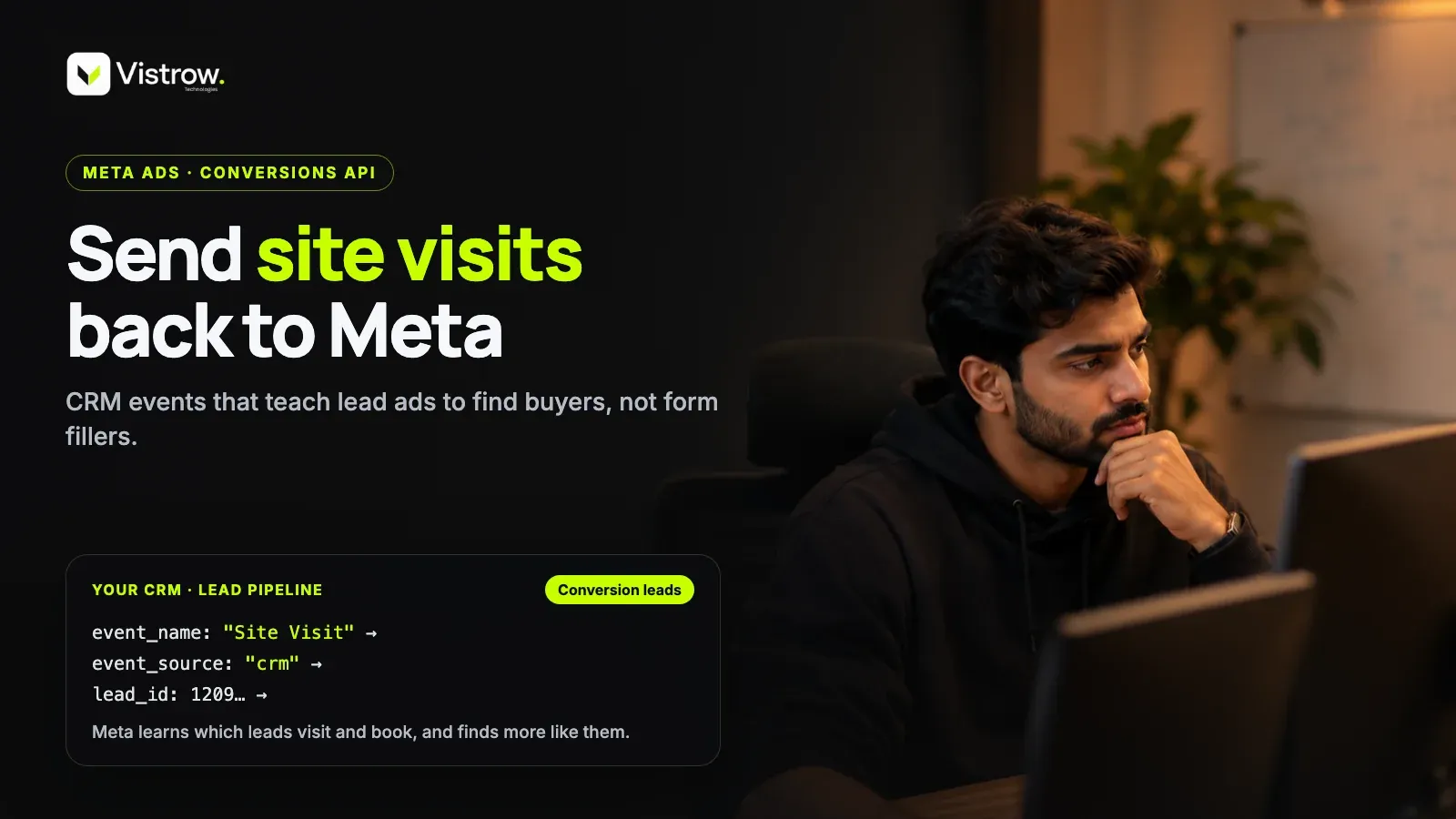
The Meta Conversions API for CRM sends each lead's stage changes, such as qualified, site visit and booked, from your CRM back to Meta. Meta then learns which leads progress and can optimise delivery toward similar people with the conversion leads goal. It currently works with Meta's Instant Forms, not website forms, and events usually show up within about 30 minutes.
Here is a common pattern in real estate lead ad accounts. The dashboard shows a steady flow of leads at a reasonable cost, the sales team is calling all day, and almost nobody wants to visit the site. Some numbers are switched off, some people never filled the form themselves, and a few were just curious about a price. Meta did exactly what it was asked to do: it found more people who fill forms.
The fix is not a better creative or a longer form. It is telling Meta what happened to each lead after the form. That is the job of the Meta Conversions API when it is connected to your CRM, and it changes what the algorithm is chasing from 'a lead' to 'a lead that became qualified, visited or booked'.
This post walks through how the CRM version works, which fields matter, how a real estate pipeline maps to events, and the one limit that trips people up. Treat it as a practical map and then read Meta's current documentation before you build, because fields and requirements do change.
Why does lead form optimisation find form fillers?
When a campaign is optimised for leads, Meta learns from one signal: the form was submitted. It has no idea what happened next. A buyer with a real budget and a person who tapped through out of boredom look identical at that moment, so the system simply goes looking for more people who behave like form submitters.
In Indian real estate this shows up as low-intent and fake leads. Prefilled forms make it easy to submit by accident, and people who submit casually are often the cheapest to reach, so the algorithm leans toward them. Your telecallers then spend their day separating buyers from noise, which is the slow and expensive part of the whole process.
It is worth pushing back on the common advice to just add more form questions. That can help, but it only filters at the door. It does not teach Meta anything about who actually turns into a site visit or a booking. Feeding the outcome back does, because it gives the algorithm a reason to prefer one kind of person over another.
There is also a quieter cost. Every junk lead that reaches a telecaller delays a call to a real buyer, and in property, speed to first call matters. So the damage from optimising on the wrong signal is not only wasted ad spend, it is also wasted sales hours.
What does the Meta Conversions API for CRM send?
The idea is simple. Every time a lead moves to a new stage in your CRM, you send that change to Meta as an event. According to Meta's Conversions API for CRM documentation, the integration is built so that Meta can learn which leads become qualified and optimise delivery toward similar people.
Each event needs a few required fields. The event_name is your own stage name, for example 'Site Visit'. The event_time is when the change happened and must be after the lead was created. The action_source is 'system_generated', and custom_data carries an event_source of 'crm' plus a lead_event_source, which is simply the name of your CRM.
To tell Meta which lead the event belongs to, you identify it with the Meta lead_id from the instant form, and/or a hashed email and phone number. The lead_id is the cleanest match, which is why losing it at import time is the most common mistake. Also send every stage as it happens, including the initial lead stage, so Meta sees the whole journey and not only the happy endings.
Think of it as a running commentary on each lead. The form submission is the first line, and every stage change adds another. Over time Meta can see which kinds of people produce a long commentary that ends in a booking, and which produce a single line and silence.
How do you map a real estate pipeline to Meta events?
Your stage names become the event names, so they need to be deliberate. A five-stage pipeline of New, Contacted, Site Visit, Negotiation and Booked maps neatly, and each stage tells Meta something different about lead quality.
The early stages are volume signals. The later ones are quality signals, and those are the ones you ultimately want the algorithm to chase. Keep the names identical every time, because 'Site Visit' and 'Site visited' would be read as two different events.
One practical point: a site visit is usually the best stage to watch first. Bookings are rare in any single campaign, so they take time to build up a useful number of events, while site visits happen more often and still reflect real intent.
| CRM stage | event_name to send | What it tells Meta |
|---|---|---|
| New | New | A lead arrived from the instant form |
| Contacted | Contacted | A person actually answered and engaged |
| Site Visit | Site Visit | The buyer was serious enough to travel |
| Negotiation | Negotiation | Budget and intent are real |
| Booked | Booked | The strongest quality signal you have |
Setting it up, step by step
Timing is worth knowing before you start. Events typically show up within about 30 minutes, and Meta measures CRM match quality over 24 to 48 hours. So do not judge the setup on the first afternoon, and do not change three things at once while you wait.
Once enough events are flowing, you can switch the campaign to the 'conversion leads' optimisation goal. Until then the campaign keeps running on regular lead optimisation, which is fine. The goal is to build the signal first and change the objective second.
If you are working with a developer or a CRM vendor, hand them the list of required fields and your agreed stage names on day one. Delays usually come from stage names being decided halfway through the build.
- 1
Confirm the lead source
Check that your leads come from Meta Instant Forms and that the lead_id is stored on each lead.
- 2
Fix your stage names
Agree one spelling for each pipeline stage and stop the team renaming them.
- 3
Send the initial lead event
Send the first stage as soon as the lead is created, not only later stages.
- 4
Send each stage change
Push an event on every move, with event_time after lead creation and the required custom_data.
- 5
Check Events Manager
Watch events arrive and give match quality 24 to 48 hours to settle.
- 6
Switch the optimisation goal
When enough events flow, move the campaign to conversion leads.
The limit most guides skip: Instant Forms only
Here is the catch. This optimisation currently supports Meta's native Instant Forms, meaning lead ads, and not website forms. If your landing page form is where most leads come from, sending stage updates for those leads will not switch on the conversion leads goal in the same way.
That is not a reason to rebuild everything. It is a reason to be honest about which campaigns this applies to. Many developers run both: Instant Form campaigns for quick volume and landing page campaigns for detail-rich enquiries. The first group is where the Meta Conversions API loop pays off most directly.
For website forms, the answer is a separate tracking setup, which is a different conversation. Our conversion tracking work covers both sides so each campaign type sends the right signal.
A checklist before you switch on conversion leads
Most failures here are boring ones. A missing ID, a renamed stage, or a batch of events sent three weeks late will quietly weaken the signal. Run through this list before you change any campaign goal.
If your CRM already handles this, even better. ArthaLeads imports Facebook and Instagram lead ads automatically and lists Meta Conversions API among its integrations, so the lead and its stage updates live in one place instead of a spreadsheet someone updates on Fridays.
- Keep the Meta lead_id on every lead from the moment it is imported.
- Use consistent stage names and never rename them mid-campaign.
- Send events within a day of the stage change, ideally as it happens.
- Do not send duplicate stages for the same lead.
- Monitor arrivals and match quality in Events Manager.
- Re-read Meta's current documentation, since fields change.
Where to start this week
Start small. Pick one Instant Form campaign, confirm your lead_id is being saved, lock your stage names, and send events for a couple of weeks before touching the optimisation goal. That alone will show you how clean your pipeline data really is.
If your sales stages are inconsistent or half-filled, fix that first. The Meta Conversions API only passes along what your CRM knows, and a CRM that is updated late teaches Meta late. For real estate teams, the real estate workflow is usually the place to tighten.
If you want help with the build, the Vistrow team sets up conversion tracking end to end, from lead capture to event checks. You can request a growth audit and we will look at where your signal breaks.
Frequently asked questions
Does the Meta Conversions API for CRM work with website forms?
Not for the conversion leads optimisation. That goal currently supports Meta's native Instant Forms, which are lead ads. If most of your leads come from a landing page form, treat website tracking as a separate job with its own setup. Many developers run both kinds of campaign, and the CRM loop pays off most directly on the Instant Form side.
How quickly do CRM events show up in Meta?
Events typically appear within about 30 minutes, and Meta measures CRM match quality over 24 to 48 hours. So don't judge the setup on the first afternoon, and don't change several things at once while you wait. Keep the campaign on regular lead optimisation until enough events are flowing, then switch to conversion leads.
Is a hashed email enough to match leads?
Meta accepts the lead_id from the Instant Form and/or a hashed email and phone number, but the lead_id is the most reliable match. Save it on every lead from the moment it's imported. Losing the lead_id during import is the most common reason events fail to match, and it's much harder to fix after the fact.
Will the Conversions API lower my cost per lead?
It might not, and nobody should promise it will. The aim is to shift delivery toward leads that turn into site visits and bookings, which can change lead volume as well as quality. Judge the change on site visits and bookings per rupee spent, not on raw lead count or the cost per form fill in Ads Manager.
Do I need to send every CRM stage to Meta?
Yes. Meta's guidance is to send each stage as it happens, including the initial lead stage. Skipping early stages leaves gaps in the story the algorithm is learning from. Keep stage names identical every time, because "Site Visit" and "Site visited" are read as two different events, and never rename a stage halfway through a campaign.
Comments