
The free app caps broadcasts at 256 contacts and lives on one phone. Here is how to tell when an Indian business has outgrown it, what the API changes, and how to migrate.
Search and explore the blog
Explore the blog
Category
Suggested reading
- Business Automation
DLT Registration for SMS in India: Headers, Templates and Why Messages Get Blocked
8 min read
- Business Automation
WhatsApp Automation for Real Estate: Follow-up Templates for Each Stage and Meta's Rules
9 min read
- Business Automation
WhatsApp Business API Pricing in India (2026): What 2,000 Leads a Month Actually Costs
8 min read
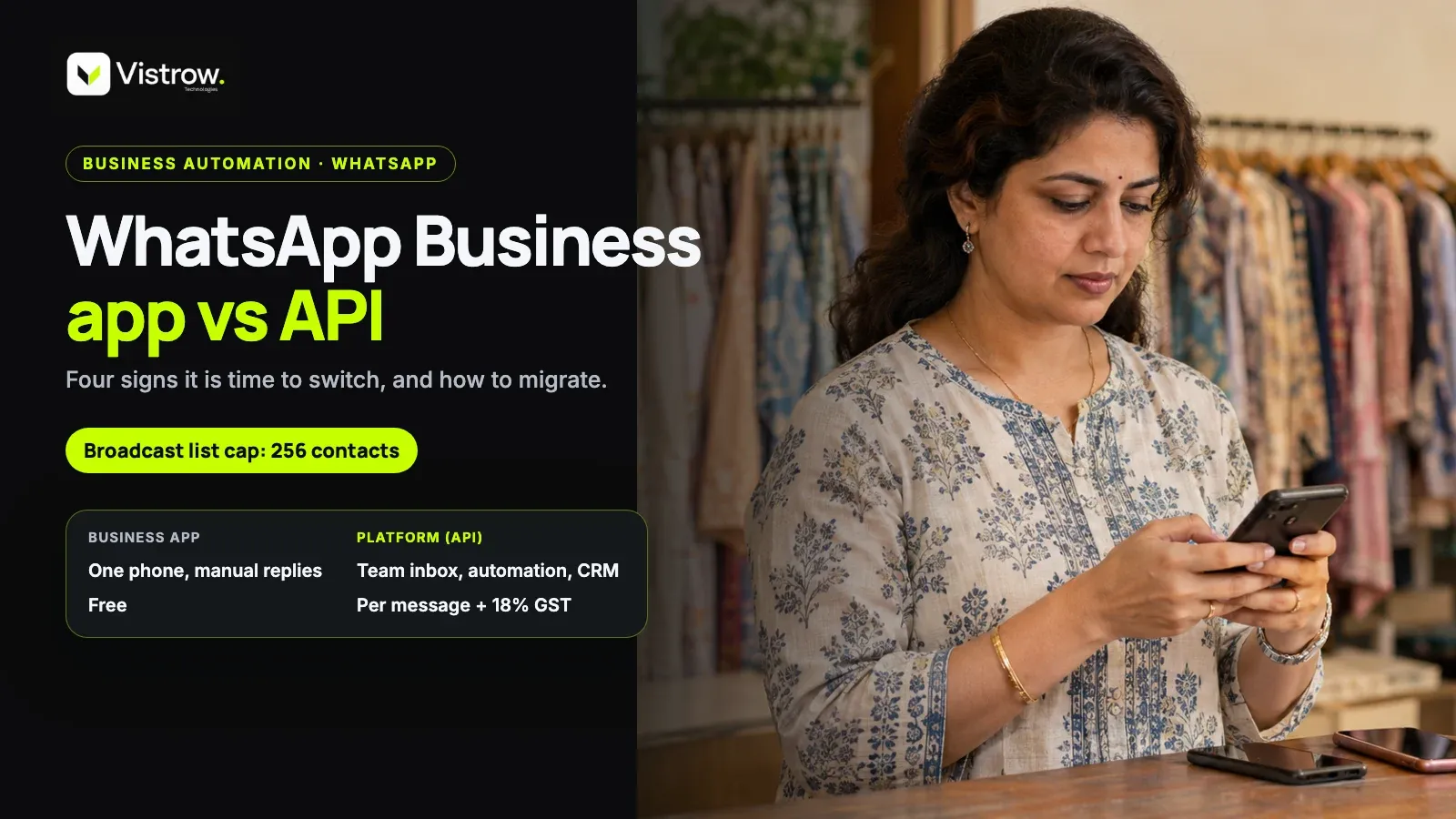
The WhatsApp Business app is free but built for one phone, with manual replies and broadcast lists capped at 256 contacts. The API, officially the Business Platform, removes that cap on template sends and adds automation, CRM integration and multiple agents. An Indian business should switch when more than about three people answer chats, replies slow down, ad leads land on one phone, or broadcasts outgrow 256 contacts.
A common mistake is waiting until the phone is visibly drowning. By then leads from Meta ads have already sat unanswered for hours, and nobody can say who replied to whom. The whatsapp business app vs api choice is far easier when it is planned around a trigger rather than forced by one bad week.
What is the WhatsApp Business API, in plain terms?
The WhatsApp Business Platform, usually called the API, is Meta's official way to connect WhatsApp to software, so a CRM, chatbot or team inbox can send and receive messages on one business number. It has no screen of its own. You reach it through Meta directly or through a provider that adds an inbox and tools on top.
That last point trips people up. The API is not an upgraded app you download from the Play Store. It is a pipe, and what you actually see and click depends on the tool you pick. Two businesses on the API can have very different daily experiences.
Meta sets the message categories and charges, and describes them on its platform pricing page. Access itself is free. What costs money is sending, plus whatever the provider charges for the software layer.
WhatsApp business app vs API: the decision table
Most guides on the WhatsApp business app vs API question end in a feature list that never says when each one fits. The table below puts the six criteria that actually decide it side by side. Read it against your own week, not against a brochure.
The app wins on simplicity and cost. The API wins the moment work has to be shared, automated or measured, and that moment arrives sooner for businesses that run paid ads.
| Criterion | Business app | Business Platform (API) |
|---|---|---|
| Volume of chats | Fine for a handful a day on one phone | Built for high volume across a team |
| Number of agents | One phone plus a few linked devices | Many agents in a shared inbox |
| Automation | Manual replies, basic away and greeting messages | Chatbots, routing and AI agents |
| CRM lead capture | Copy and paste by hand | Chats can become CRM leads automatically |
| Template broadcasts | Lists capped at 256 contacts, saved numbers only | No contact cap on template sends, with opt-in and approved templates |
| Green tick | Verification rules differ; check Meta's current policy | Verification rules differ; check Meta's current policy |
How big is the WhatsApp broadcast limit really?
The whatsapp broadcast limit on the Business app is 256 contacts per list, and a broadcast only reaches people who saved your number. So a list of 500 buyers becomes two lists, and a chunk of them will never see the message because they never saved you. That second condition quietly hurts more than the cap itself.
Teams usually work around this with several lists and a lot of patience. It holds up until the day you want to send a site visit reminder to everyone who enquired this month. Then the manual effort shows, and so do the people who got missed.
The API lifts the cap on template sends, but it does not remove the rules. You still need opt-in, and you still need an approved template for anything sent outside the 24-hour reply window. The freedom is in volume, not in skipping consent.
Four signs an Indian business has outgrown the app
The triggers are practical, not technical. Any one of them is usually enough to start planning the move, and two together mean it is overdue. None of them need a developer to spot, just an honest look at who touches the phone each day.
It makes sense to treat the third one as the most expensive. Ad spend keeps flowing while the chats it produces sit on a single handset that somebody has to remember to check.
- More than about three people answering the same number, so replies overlap or get missed.
- Slow replies, because the phone is with one person who is also on a site visit or in a meeting.
- Ad leads landing on one phone, where nobody can see which campaign a chat came from.
- Broadcasts above 256 contacts, or contacts who never saved your number.
What does the WhatsApp API cost in India?
Access to the platform is free, but each message is charged. Meta prices by category (marketing, utility, authentication), service replies inside 24 hours are free or low cost, and a provider may add its own fee, with 18% GST on top. Vendor blogs quote different Indian rates, so treat any single figure you read as a guess until you check Meta's rate card.
That is why whatsapp api cost india is hard to answer in one line. It depends on your mix of marketing and utility messages and on how many conversations the customer starts. A business that mostly replies to inbound chats pays very differently from one that blasts offers every week.
For a worked example with 2,000 leads a month, see WhatsApp Business API pricing in India. It covers the costs in detail, so this post does not repeat them. The point here is simply that the bill is usage based, not a flat licence.
Is the WhatsApp Business API for small business worth it?
Size is the wrong test. The whatsapp business api for small business question is really about workload. A clinic with one receptionist answering ten chats a day is fine on the app. A builder running Meta ads with four telecallers is not, even if the company is small.
The gentle disagreement here is with the idea that the API is only for large companies. It is not. It is for anyone whose chats have stopped fitting on one phone, and because the cost is per message, a low-volume user pays little.
The opposite mistake is just as common. Some owners jump to the API for the sake of looking professional, then find nobody has time to build templates or watch the inbox. For them the whatsapp business app vs api decision has a boring answer: if the app is working, staying on it is a perfectly good choice.
A worked example: ad leads stuck on one phone
Picture a developer running click-to-WhatsApp ads for a new project. Enquiries arrive on one business phone held by a sales coordinator. Two telecallers want to help, a manager wants to see who replied, and the owner wants to know which ad produced the chats that turned into site visits.
On the app, none of that is possible without screenshots and a shared spreadsheet. The coordinator copies numbers by hand, replies slow down whenever she is out, and nobody can tie a chat back to an ad. That is three of the four triggers at once.
On the API with a CRM, the same chats become leads automatically, replies come from a shared inbox, and the ad name travels with the lead. The work did not shrink, but it became visible and shareable, and that is what the switch actually buys.
How to migrate from the app to the API
Migration has a few fixed rules. The number must be moved off the Business app before it can run on the API, and chat history does not carry over to the new setup. Templates also need Meta approval before you can message people outside the 24-hour window.
Keep your opt-in records safe before anything else. You will need proof that people agreed to hear from you, and the app will not hold that record for you. Developers can read the technical side in Meta's WhatsApp developer documentation.
Plan the move for a quiet day rather than a launch week. There is a short gap while the number changes homes, and a rushed switch is how teams end up with an inbox full of chats nobody has been assigned.
- 1
Save what matters
Note key conversations and export contact lists, since history will not move across.
- 2
Move the number off the app
The number has to leave the Business app before it can run on the Platform.
- 3
Get templates approved
Submit reminder, update and follow-up templates for approval before any campaign.
- 4
Import opt-in records
Attach consent status to each contact so marketing messages go only to people who agreed.
- 5
Go live with the team
Assign agents, set business hours and test a few chats before real traffic arrives.
What the switch looks like inside a CRM
For real estate teams, the API matters most when it feeds a CRM. ArthaLeads is built on Meta's official WhatsApp Business Platform. Chats from click-to-WhatsApp ads become leads automatically with the ad name attached, and the WhatsApp AI agent (Growth and Enterprise) answers buyers around the clock in English, Hinglish, Hindi or Marathi.
The team gets one shared inbox on one business number, approved templates and campaigns to filtered lead lists on Growth, and a consent status on every lead, so marketing templates skip anyone who said no. Meta charges are paid from a prepaid credit balance, with a statement of every charge and a free monthly allowance of service replies.
The detail is on the ArthaLeads WhatsApp CRM page. If you are unsure whether your volume justifies the move yet, talk to Vistrow and map it against the four triggers above.
Frequently asked questions
What is the difference between WhatsApp Business app and API?
The app is a free tool for one phone with a few linked devices, manual replies and broadcast lists capped at 256 contacts. The API, called the WhatsApp Business Platform, connects through Meta or a provider and supports automation, chatbots, CRM integration and many agents, with per-message charges set by Meta.
What is the WhatsApp broadcast limit on the Business app?
Broadcast lists on the Business app are capped at 256 contacts, and a message only reaches people who have saved your number in their phone. For larger audiences, the API with approved templates is the route, subject to opt-in and Meta's policies.
Is the WhatsApp Business API free in India?
Access to the API itself is free, but sending is not. Meta charges per message by category (marketing, utility, authentication), service replies inside the 24-hour window are free or low cost, and a provider may add a fee plus 18% GST. Check Meta's current rate card.
Can a small business use the WhatsApp Business API?
Yes, size is not the test. A small business benefits once several people answer chats, ad leads pile up on one phone, or it needs automation and CRM capture. If one person handles a few chats a day manually, the free app is usually enough.
Do I lose my chats when I move to the WhatsApp API?
Yes, chat history does not carry over to the API setup. The number must first be moved off the Business app, so note important conversations beforehand. Keep your opt-in records too, since proof of consent matters for template messages.
Do WhatsApp API templates need approval?
Yes. Messages you start outside the 24-hour customer service window must use templates that Meta approves. Plan for approval time before a campaign, and write each template around a clear purpose such as a reminder, an update or an offer a customer opted in for.
Comments